
New to trucking and struggling with your tachograph? Here we explain how to use a tachograph for beginners.
What is a tachograph?
A tachograph is a device fitted to a vehicle if the total weight of the vehicle is over 3,500 tonnes. A tachograph records various pieces of data during a professional driver’s working shift. It will record things such as driving hours, vehicle speed, rest periods, time and distance.

An old style tachograph disk
In the UK we have daylight saving time (DST) which occurs twice per year when the clocks go forward one hour and then back again. (Learn how to change the time on your tachograph unit)
What data is recorded on a Digital Tachograph?

Access data from previous days
Inserting your card & manual entry
Understanding Breaks
Removing your card
What happens if you make a mistake?
Being a professional driver in charge of a HGV can be a difficult job. We have so many things to deal with during our shifts, understanding how to use a tachograph is just one of them. Mistakes can happen, don’t worry if you have one or forgot to do something.
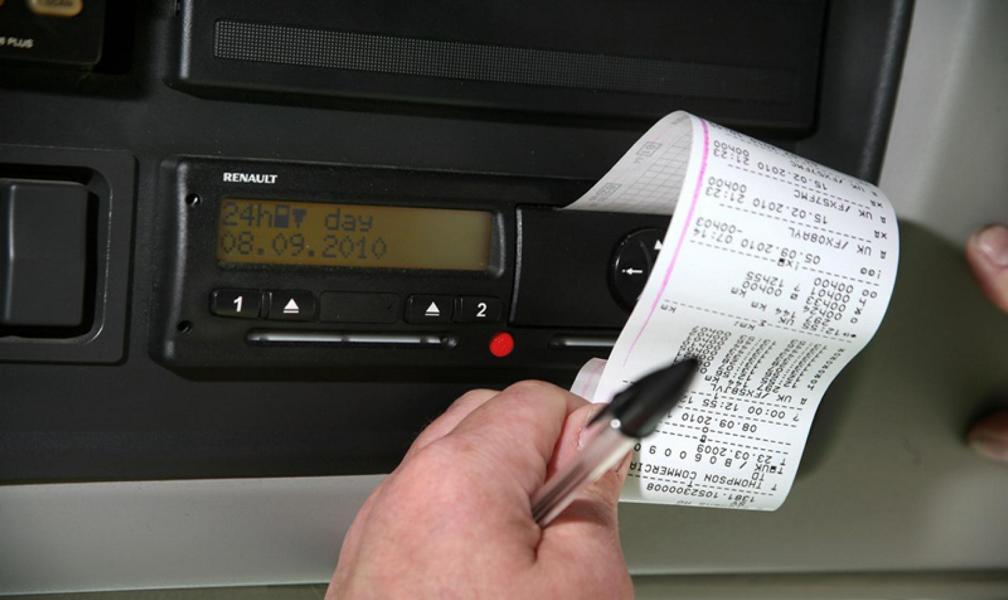
If you do always remember it’s important that you Take A Printout!
Certain situations are beyond your control, for example you may go over your driving hours due to a traffic jam, or due to an RTC (Road Traffic Accident) on a motorway. Whatever the reason, always take a printout and write on the back with the reason for the error along with the date, time and your signature.
You need to keep any printouts you have for a period of at least 28 days. This is evidence should if you are stopped by Vosa or the police.
Documenting the date and time with the reason you’ll be able to explain what happened on that date. It’s easy to forget what happened yesterday never mind 26 or so days ago. Always take a printout and document the event.

Pingback: Driving without a Tachograph Card - UK Truckers